Building the Crafting Interpreters repo on Windows
Building the Crafting Interpreters repo on Windows
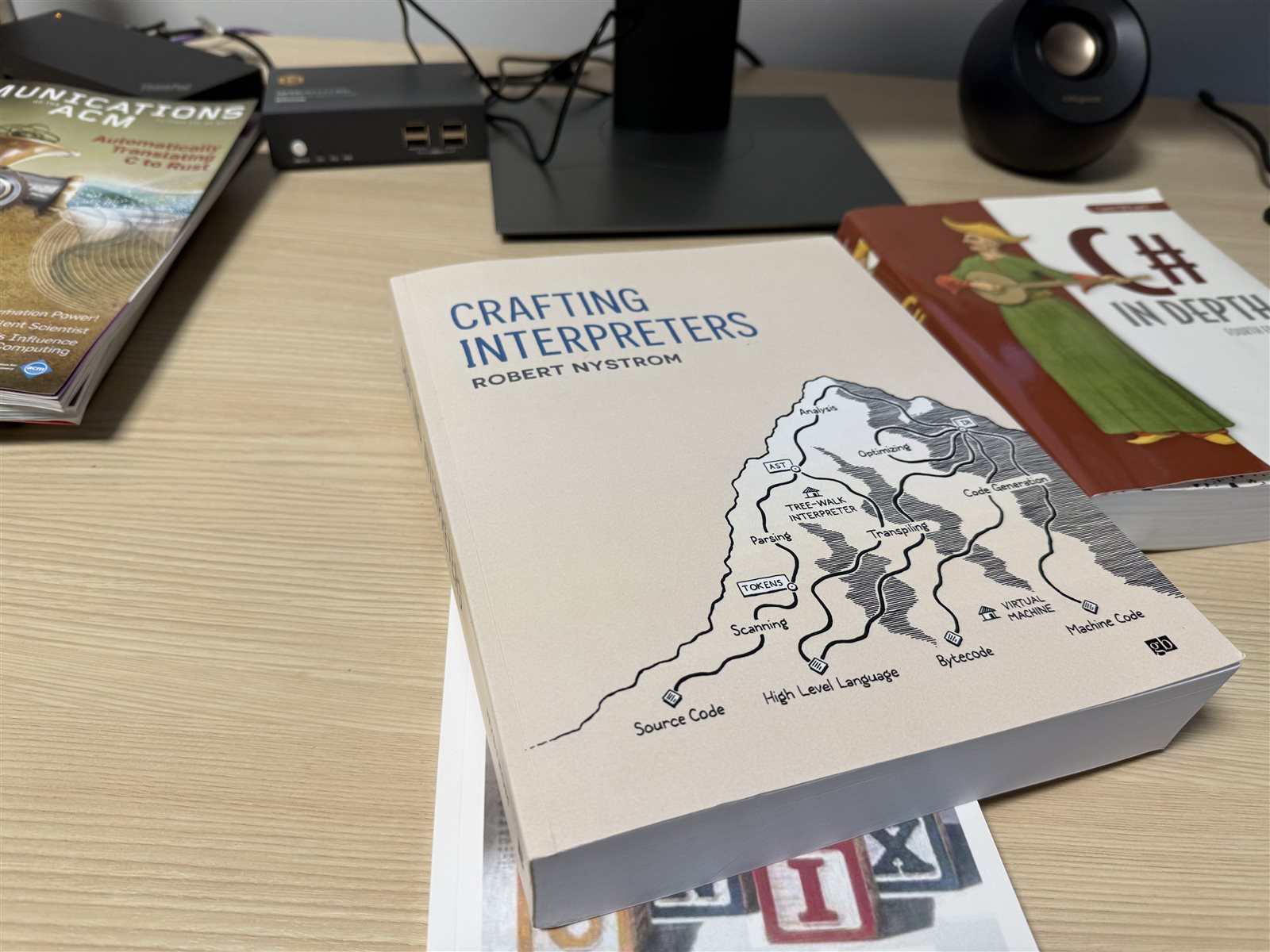
Crafting Interpreters
I have been hearing about the book Crafting Interpreters, by Robert Nystrom, for a few years now. I have heard nothing but good things about it.
As someone who collects and reads many programming-related books, I decided to order a copy and check it out.
So far, a few chapters in, I am impressed. The book is written in a slightly whimsical style that, given the intimidating nature of the underlying subject matter, makes it much more approachable than it might be otherwise.
As a self-taught programmer who has spent most of their career working on large back-end server systems, I have no experience in things like writing compilers or interpreters. So I am rather looking forward to trying something outside of my usual comfort zone.
Trying out the Lox language
Chapter 3 is a tutorial of the Lox programming language, the language you will be creating interpreters for as you work through the book. As the author points out, it is not much fun to work through a tutorial if you cannot actually try the language, so he suggests starting by running his implementation at the Crafting Interpreters Repo
As the README for that repo points out, Robert does not use Windows and a few extra steps might be required to build the code on Windows rather than just executing his provided makefile.
For instance, the provided makefile uses POSIX commands like find, rm, and printf that don’t work directly on Windows.
The code in question is not very complicated or difficult to build, so instead we will just write some simple PowerShell scripts to take the place of the makefile.
I could have used Windows Subsystem for Linux (WSL) but, well, I do not particularly enjoy programming on linux. I find the experience on Windows much more enjoyable.
So, without further ado, here is a brief guide to how I got things working.
Building on Windows
It ended up not being particularly difficult, just a few steps to get the right tooling installed. I assume you are already using modern PowerShell (pwsh.exe) for the rest of this guide.
What follows covers building the clox (C) and jlox (Java) interpreters from the repo.
Prerequisites
First, fork the repo.
Next, you will need the Dart SDK for running build scripts, a Java JDK for compiling Java code, and MinGW-w64 for the GCC C compiler.
Installing Required Tools with winget
Open PowerShell (pwsh.exe) and run:
# Install Dart SDK
winget install --id Dart.Dart --silent --accept-package-agreements --accept-source-agreements

# Install Java JDK
winget install --id Oracle.JDK.23 --silent --accept-package-agreements --accept-source-agreements

# Install MinGW-w64 (includes GCC and mingw32-make)
winget install --id BrechtSanders.WinLibs.POSIX.UCRT --silent --accept-package-agreements --accept-source-agreements
After installation, restart your PowerShell terminal to ensure $env:PATH changes are picked up.
Verify Installation
dart --version
javac -version
gcc --version
mingw32-make --version
Building the Interpreters
Update Dart Dependencies
The main repository, as of early 2026, uses older Dart dependencies that need updating for modern Dart versions. Edit tool/pubspec.yaml and update the environment and dependencies sections:
environment:
  sdk: '>=2.12.0 <4.0.0'
dependencies:
  args: ^2.0.0
  charcode: ^1.3.0
  glob: ^2.0.0
  image: ^4.0.0
  markdown: ^7.0.0
  mime_type: ^1.0.0
  mustache_template: ^2.0.0
  path: ^1.8.0
  pool: ^1.5.0
  sass: ^1.70.0
  shelf: ^1.4.0
  string_scanner: ^1.2.0
Then install dependencies:
pushd tool
dart pub get
popd
Build clox (the C Interpreter)
# Create build directories
if (!(Test-Path build)) { mkdir build }
if (!(Test-Path build\release)) { mkdir build\release }
if (!(Test-Path build\release\clox)) { mkdir build\release\clox }

# Compile C source files
gcc -std=c99 -Wall -Wextra -Werror -Wno-unused-parameter -O3 -flto -c c\*.c

# Move object files to build directory
Move-Item *.o build\release\clox\

# Link the executable
gcc -std=c99 -Wall -Wextra -Werror -Wno-unused-parameter -O3 -flto build\release\clox\*.o -o build\clox.exe

# Copy to root for convenience
Copy-Item build\clox.exe clox.exe
Build jlox (the Java Interpreter)
# Create build directories
if (!(Test-Path build\java)) { mkdir build\java }
if (!(Test-Path build\java\com)) { mkdir build\java\com }

# Compile the AST generator tool
javac -cp java -d build\java java\com\craftinginterpreters\tool\*.java

# Run the AST generator to create generated source files
java -cp build\java com.craftinginterpreters.tool.GenerateAst java\com\craftinginterpreters\lox

# Compile the jlox interpreter
javac -cp java -d build\java java\com\craftinginterpreters\lox\*.java
Create jlox.ps1 Wrapper
Create a file named jlox.ps1 in the root directory with this content:
# Wrapper script to run jlox (Java interpreter)
java -cp build\java com.craftinginterpreters.lox.Lox $args
Testing the Interpreters
Test clox (C Interpreter)
Run the interpreter in interactive mode:
.\clox.exe
Try some Lox code:
> print "Hello from clox!";
Hello from clox!
> var x = 10 + 5;
> print x;
15
Press Ctrl+C to exit.
Test jlox (Java Interpreter)
Run the interpreter in interactive mode:
.\jlox.ps1
Try some Lox code:
> print "Hello from jlox!";
Hello from jlox!
> var x = 10 + 5;
> print x;
15
Press Ctrl+C to exit.
Run Test Files
You can also run Lox source files directly:
# Create a test file
@'
print "Testing clox...";
var a = 1;
var b = 2;
print a + b;
'@ | Out-File -Encoding UTF8 test.lox

# Run with clox
.\clox.exe test.lox

# Run with jlox
.\jlox.ps1 test.lox
Notes
For convenience, I have collapsed the build instructions into a single helper script (build.ps1):
# Build clox
Write-Host "Building clox..." -ForegroundColor Green
if (!(Test-Path build\release\clox)) { mkdir -Force build\release\clox | Out-Null }
gcc -std=c99 -Wall -Wextra -Werror -Wno-unused-parameter -O3 -flto -c c\*.c
Move-Item *.o build\release\clox\ -Force
gcc -std=c99 -Wall -Wextra -Werror -Wno-unused-parameter -O3 -flto build\release\clox\*.o -o build\clox.exe
Copy-Item build\clox.exe clox.exe -Force

# Build jlox
Write-Host "Building jlox..." -ForegroundColor Green
if (!(Test-Path build\java\com)) { mkdir -Force build\java\com | Out-Null }
javac -cp java -d build\java java\com\craftinginterpreters\tool\*.java
java -cp build\java com.craftinginterpreters.tool.GenerateAst java\com\craftinginterpreters\lox
javac -cp java -d build\java java\com\craftinginterpreters\lox\*.java

Write-Host "Build complete!" -ForegroundColor Green
Write-Host "Run .\clox.exe or .\jlox.ps1 to start the interpreters"
Run with:
.\build.ps1
Conclusion
And there we have it. Now we can play around with the Lox programming language and get a feel for how it works, before moving on to the actual act of implementing our own interpreter for the language.